
Welcome to Silicon Overdrive!

How Can Organizations Implement Zero Trust in Tech and Culture?

Overview

Zero Trust is a cybersecurity model built on a simple principle: never trust, always verify.

Unlike traditional security approaches that assume users or devices within a corporate network are safe, Zero Trust treats every access request as potentially risky, regardless of its origin. Every user, device, application, and connection must continuously prove its legitimacy before access is granted.

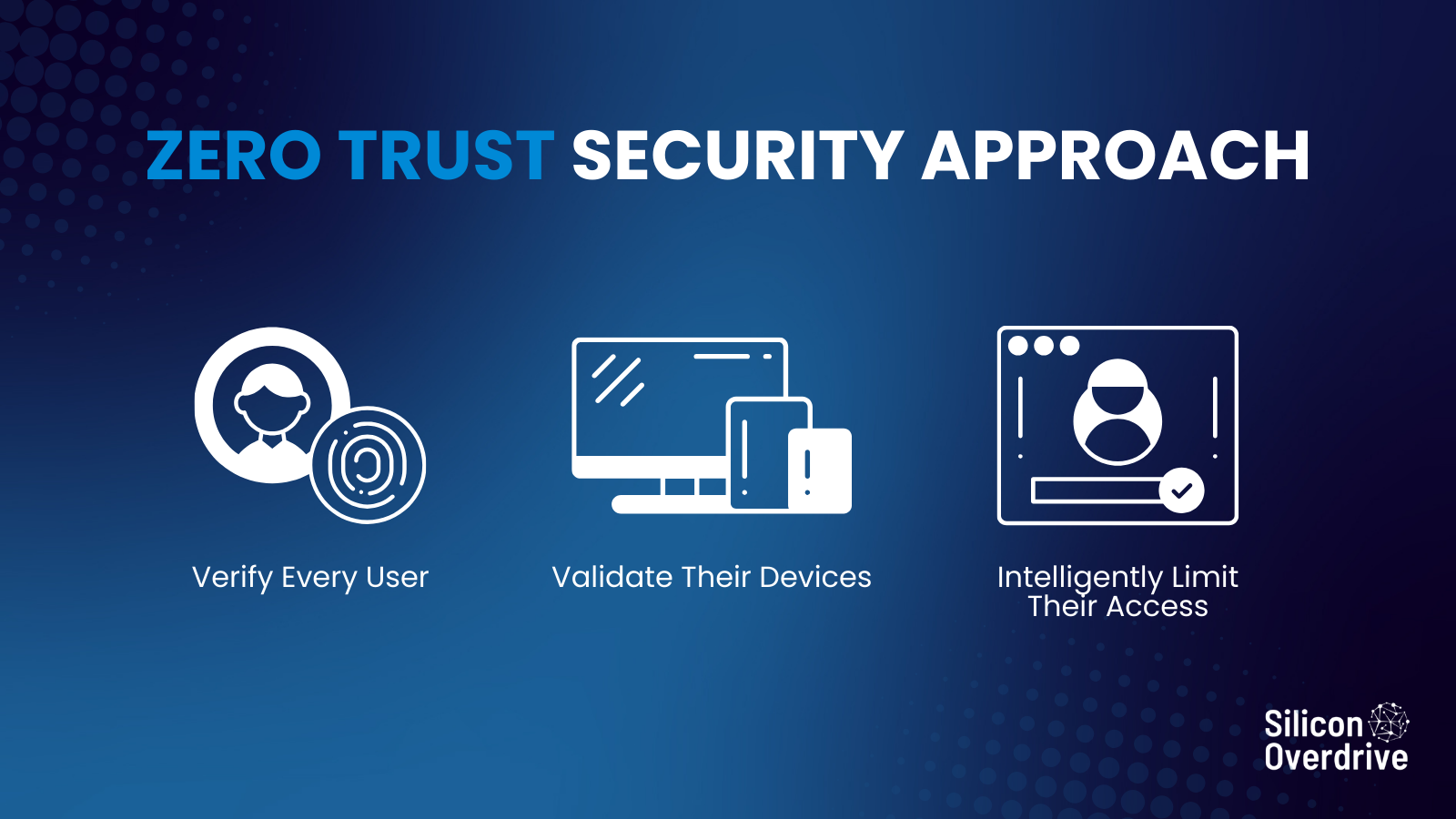
In practice, Zero Trust combines identity verification, device compliance, and contextual access control to ensure that the right people access the right resources under the right conditions. Instead of granting broad access after a single login, systems constantly evaluate identity, device health, location, and behaviour.

Zero Trust security Approach

Implementing Zero Trust is not just about deploying new tools; it also requires a shift in organizational mindset, where security becomes part of everyday decision-making across the company. As cyber threats grow more sophisticated and organizations rely more on cloud services and remote work, the rapid evolution of cyber threats and AI-driven attacks has made continuous verification essential.

What Does “Never Trust, Always Verify” Really Mean?

Traditional cybersecurity relied on the perimeter model. Once someone logged into the network, often through VPN or an office connection, they were largely trusted.

That model worked when:

  • Employees worked mostly in offices
  • Applications ran on internal servers
  • Devices were centrally managed

But modern organizations operate differently. Employees use cloud apps, remote devices, and multiple identities across services.

Zero Trust addresses this reality by assuming:

  1. Identity can be compromised
  2. Devices may be insecure
  3. Network location is irrelevant

Instead of trusting access automatically, systems evaluate multiple signals:

  • Who is the user?
  • What device are they using?
  • Where are they connecting from?
  • Is the device compliant with security policies?

Only when those checks pass is access granted.

Why Must Zero Trust Be a Cultural Shift, Not Just a Technology Deployment?

Many companies treat security initiatives as IT projects. But Zero Trust changes how every employee interacts with data, devices, and applications.

For example:

Traditional Security Mindset
  • Security is IT’s responsibility
  • Internal Network is trusted
  • Access once authenticated
  • Devices assumed safe
Zero Trust Mindset
  • Security is everyone’s responsibility
  • No environment is automatically trusted
  • Continuous verification required
  • Devices must prove compliance

For Zero Trust to succeed, organizations must build security awareness into daily operations.

Examples include:

  • Employees understand why multi-factor authentication exists
  • Managers approving least-privilege access policies
  • Developers designing applications with identity verification built in

When employees understand that security protects both the company and their own digital identity, adoption improves dramatically.

How Does Identity Management Enable Zero Trust?

Identity is the core pillar of Zero Trust.

In Microsoft environments, Microsoft Entra ID (formerly Azure AD) provides the identity foundation.

Key capabilities include:

Multi-Factor Authentication (MFA)

Users must verify identity using multiple factors such as passwords, biometrics, or mobile approvals.

Conditional Access Policies

Access is granted based on context such as:

  • Device compliance
  • User risk level
  • Location
  • Application sensitivity
Identity Protection

Machine learning detects suspicious login behaviour like:

  • Impossible travel
  • Unusual device usage
  • Credential leaks

If risk is detected, access can automatically require stronger authentication or be blocked.

Example Scenario

A finance employee attempts to access payroll data.

Entra ID evaluates:

  • Identity verification
  • Device compliance status
  • Login location
  • Risk signals

If the user logs in from an unmanaged device in another country, access may be denied or require additional verification.

How Do Device Compliance and Endpoint Security Support Zero Trust?

Identity alone is not enough.

A compromised laptop with valid credentials could still expose data.

This is where Microsoft Intune becomes essential.

Intune ensures that devices meet defined device compliance standards before accessing corporate resources.

Typical compliance checks include:

  • Operating system version
  • Encryption enabled
  • Antivirus active
  • Security patches installed
  • Jailbroken or rooted device detection

Example Compliance Rule

A company might require:

  • BitLocker encryption
  • Latest Windows security updates
  • Defender Antivirus running

If a device fails these checks, access to corporate applications is restricted.

Conditional Access Integration

Microsoft Entra ID and Intune work together so that only compliant devices can access sensitive data.

For example:

Device Status
  • Compliant
  • Non-compliant
  • Unknown device
Access Result
  • Full Access
  • Blocked or limited access
  • MFA required or blocked

This ensures compromised or unmanaged devices cannot expose corporate data.

How Does Data Protection Fit into Zero Trust?

Zero Trust is not only about access control, but it also protects the data itself.

Microsoft Purview provides tools to classify, monitor, and secure sensitive information.

Capabilities include:

  • Data loss prevention (DLP) policies
  • Information classification and labelling
  • Insider risk detection
  • Data access monitoring

Example Scenario

A user attempts to download confidential financial data to a personal device.

Microsoft Purview policies may:

  • Block the download
  • Encrypt the document
  • Alert security teams
  • Require justification for access

This ensures sensitive data remains protected even if credentials are compromised.

How Can Organizations Balance Security and Productivity?

One common concern with Zero Trust is user friction.

Too many authentication prompts or access restrictions can frustrate employees.

The goal is adaptive security, not constant disruption.

Smart Security Strategies

Risk-Based Authentication

Users only face extra verification when risk signals appear.

Single Sign-On (SSO)

Employees authenticate once and securely access multiple applications.

Device Trust

Known compliant devices require fewer verification steps.

Automation

Security responses happen automatically without manual intervention.

Real-World Example

An employee working from their company laptop at the office may experience seamless access.

But if the same user logs in from an unfamiliar device abroad, stronger authentication is required.

Security adapts to the situation.

What Real-World Zero Trust Architecture Looks Like

A simplified Zero Trust architecture using Microsoft tools might look like this:

Security Layer

Identity
Device Security
Data Protection
Threat Detection
Automation

Microsoft Solution

Microsoft Entra ID
Microsoft Intune
Microsoft Purview
Microsoft Defender
Microsoft Security Copilot

Function

Identity management and authentication
Device Compliance and endpoint management
Data classification and protection
Security monitoring and response
AI-assisted thread analysis

Together, these layers ensure identity, device, and data verification happen continuously.

What Are Practical Steps to Implement Zero Trust?

Organizations do not need to rebuild their infrastructure overnight. Zero Trust works best when implemented gradually.

Step 1: Strengthen Identity Security

  • Enable Multi-Factor Authentication
  • Deploy Microsoft Entra ID Conditional Access
  • Monitor risky sign-ins

Step 2: Secure Devices

  • Enrol devices in Microsoft Intune
  • Define device compliance policies
  • Restrict access from unmanaged devices

Step 3: Protect Sensitive Data

  • Classify critical information
  • Implement Microsoft Purview Data Loss Prevention (DLP) policies
  • Monitor insider risks

Step 4: Apply Least Privilege Access

  • Users should only access the resources necessary for their roles
  • Privileged Identity Management helps control high-level administrative access

Step 5: Educate Employees

Security training should explain:

  • Why Zero Trust exists
  • How MFA protects accounts
  • How to recognize suspicious activity

Security culture begins with awareness and accountability.

What Should SMBs vs Enterprises Focus On?

For Small and Medium Businesses

Start simple.
Focus on:

  • Multi-factor authentication
  • Device compliance
  • Conditional access policies

Even these basic steps dramatically reduce risk.

For Enterprises

Large organizations should expand into:

  • Identity governance
  • Insider risk management
  • Continuous monitoring
  • Automated threat response
  • Security analytics

Zero Trust becomes a strategic security architecture rather than a set of tools.

FAQs

What is Zero Trust in simple terms?

Zero Trust is a security model where no user or device is automatically trusted. Every access request must be verified using identity, device status, and context.

Why is identity management critical in Zero Trust?

Identity is the primary security boundary in modern cloud environments. Tools like Microsoft Entra ID verify user identity and enforce conditional access policies.

Does Zero Trust slow down employees?

When implemented correctly, it should not. Risk-based authentication and device trust allow most employees to work normally while still protecting sensitive resources.

Do small businesses need Zero Trust?

Yes. Cyberattacks increasingly target smaller organizations. Even simple controls like MFA and device compliance significantly improve security.

Is Zero Trust only for cloud environments?

No. Zero Trust principles apply to both cloud and on-premise systems, although cloud identity platforms make implementation easier.

Zero Trust Is a Continuous Journey​

Zero Trust is not a single solution; it is a security strategy that evolves and adapts as your organization grows.

As a Microsoft Modern Workplace and Azure Infrastructure Partner, Silicon Overdrive helps businesses implement practical Zero Trust frameworks.

If you are ready to strengthen your security posture while maintaining productivity, contact Silicon Overdrive to start your Zero Trust journey today.

about the author

Miley Coetzee
Digital Marketing & Lead Generation Specialist

Miley brings a sharp strategic lens to digital marketing, offering insight-driven perspectives that help brands navigate and outperform in competitive digital landscapes.

Security insights validated by Emil Munro, Senior Engineer, Team Lead, and Microsoft Specialist at Silicon Overdrive.

If you liked this, you'll love these...

AI & the New Frontline of Cybersecurity
Cybersecurity

AI & the New Frontline of Cybersecurity

Cybercrime is becoming increasingly industrialized and rapidly. Learn Zero Trust basics, practical controls, and how Microsoft Security Copilot boosts your SecOps.

We use cookies to track visitors, measure ads, ad campaign effectiveness and analyze site traffic. We may also share information about your use of our site with 3rd parties. For more info, see, our Cookies Policy, our Privacy Notice. By clicking “Accept All” you agree to the storing of all cookies on your device. In case you don’t choose one of these options and use our website, we will treat it as if you have accepted all cookies.

We use cookies to track visitors, measure ads, ad campaign effectiveness and analyze site traffic. We may also share information about your use of our site with 3rd parties. For more info, see, our Cookies Policy, our Privacy Notice. By clicking “Accept All” you agree to the storing of all cookies on your device. In case you don’t choose one of these options and use our website, we will treat it as if you have accepted all cookies.